How to change the width and height of the player with the SmartVideo plugin for WordPress
A brief "how-to" for users of the SmartVideo plugin for WordPress
If you have the SmartVideo plugin for WordPress installed and want to learn how to change the width and height of the player, then you're in the right place.
If you have installed SmartVideo using another method and want to learn how to change the width and height of the player, take a look at our SmartVideo tag options article.
How to change the width and height of the player
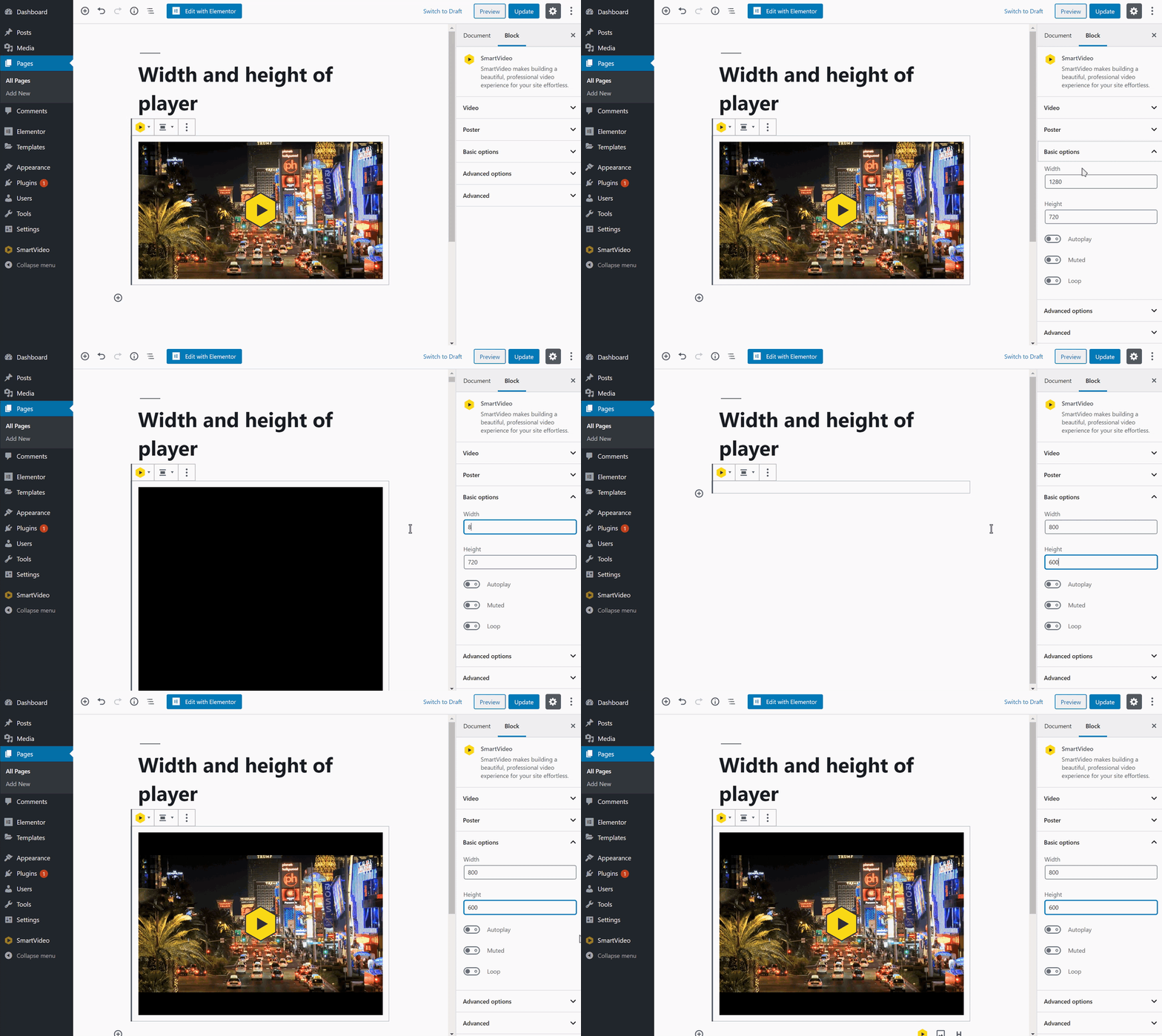
After adding a video to a page, click on Basic options in the block settings. You will now see textboxes that can be used to change the height and width of the player. In the gif below, a width of 800px and height of 600px are entered. You can see the dimensions of the player change in the live preview.