
Install SmartVideo on Click Funnels
How to get up and running with SmartVideo if you are using Click Funnels
UPDATE: You can certainly use this guide below to help you setup Video Swarmify on Click Funnels, however, we've now published a Complete Click Funnels Guide that greatly expands on Swarmify + Click Funnels here: https://swarmify.com/blog/complete-click-funnels-swarmify-guide-sales-funnel-video-hosting/
Account setup:
If you already have a SmartVideo account, to Installation.
If you do not, create your SmartVideo account here. Once registered, you'll be given a unique key to access the Swarmify API. This swarmcdnkey is required to configure your site for video delivery by Swarmify.
Installation on Click Funnels
-
Install our JavaScript into the “Settings > Tracking Code > Header” section of each page in your funnel
-
Use our SmartVideo tag to add video to your page where “path/to/my/video.mp4” is equal to the link to your YouTube/Vimeo/Dropbox/WP Media Library, etc. video
-
Here's how to set autoplay (which is recommended to start with volume muted) and here’s is how to hide controls (which is not recommended because users will not have a way to unmute the player).
What happens after I install?
After installing our script into your site's head tag, SmartVideo will begin scanning your site for videos. If you've enabled Vimeo auto-conversion when generating your snippet (the autoreplace: { vimeo: true } block from the configuration tool), any Vimeo videos on your site will be automatically converted to SmartVideo. See Automatic Vimeo conversions for details.
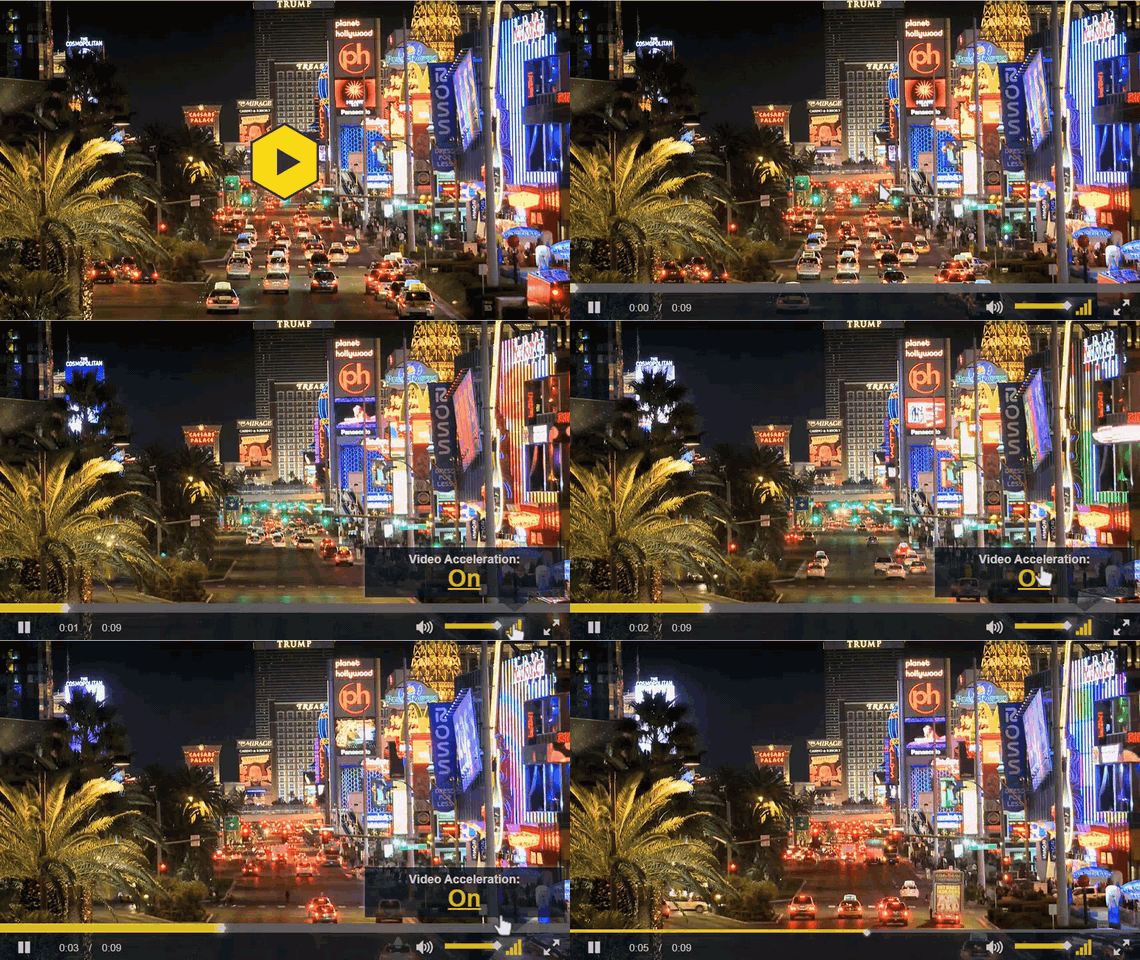
A video can take up to 30 minutes to convert to SmartVideo depending on the length and resolution of the video file. You will know that a video has been fully converted by SmartVideo when, while hovering over the Video Acceleration icon on the player, the popup box says Video Acceleration: On
Note on YouTube: Auto-conversion from YouTube is currently paused. We're exploring an importer-style replacement inside the SmartVideo library, but have no timeline to share. For now, download the YouTube video and upload it to SmartVideo storage through your SmartVideo dashboard, then place it on your page with a SmartVideo tag.
Keywords: clickfunnels, click funnels